A good home office combines ergonomic furniture with proper environmental controls and organized workflow systems. Essential elements include an adjustable chair with lumbar support, a height-appropriate desk, monitor positioned at eye level, layered lighting that reduces glare, adequate ventilation or air purification, and cable management systems that maintain clutter-free surfaces. The poor home office lacks ergonomic adjustability, features inadequate lighting that strains eyes, suffers from poor air quality and noise control, and maintains disorganized spaces with tangled cables and improper equipment positioning that forces unnatural postures and reduces productivity.
Want to get 3D rendering for your interior design project?

George is a seasoned interior designer and property marketing strategist with over 13 years of experience. He specializes in transforming properties into visually stunning spaces, helping clients recognize the potential and beauty in each property. With an impressive international client base of exciting projects throughout Europe and America.
George Nicola shares:
Creating a professional home office requires more than placing a desk in a spare room. Whether you’re upgrading an existing workspace or starting from scratch, these ten strategic steps will help you design a home office that rivals any corporate environment. By combining ergonomic principles, aesthetic considerations, and smart technology integration, you can create a space that not only looks impressive but actively supports your productivity and professional success.
TALLBOX provides information for educational purposes only and does not offer financial or law advice; users should consult with qualified professionals before making any investment decisions. TALLBOX and George Nicola are not liable for any losses or damages incurred as a result of relying on the information provided.
Assess and Optimize the Layout for Flow
Understanding Your Space's Potential
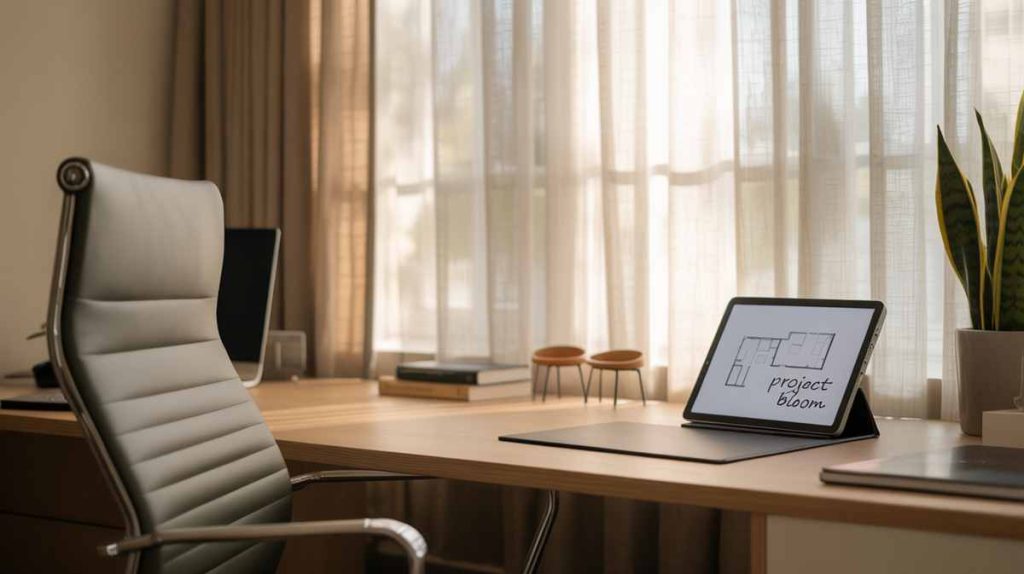
Before purchasing new furniture or making decorative decisions, evaluate your current room layout to identify opportunities for improved functionality. Consider how you move through the space during a typical workday, noting areas where traffic flow feels constrained or where you frequently encounter obstacles.
Position your primary desk to face the door or a window, creating a welcoming atmosphere while maintaining awareness of your surroundings. However, avoid placing screens directly opposite bright windows to prevent glare-related eye strain. Use a simple floor plan sketch or free apps like RoomSketcher to experiment with different configurations before moving heavy furniture.
Ensure at least three feet of walking space around key furniture pieces, allowing for comfortable movement and chair adjustments. Create distinct zones for different activities—a focused work area near natural light, a collaborative space for video calls, and a relaxation corner for breaks. If space is limited, consider how furniture can serve multiple purposes or be easily reconfigured throughout the day.
Key consideration: Your layout should support your work habits, not force you to adapt to poor spatial arrangements.
Key consideration: Your layout should support your work habits, not force you to adapt to poor spatial arrangements.
Incorporate Biophilic Design Elements
Bringing Nature Indoors for Enhanced Well-being
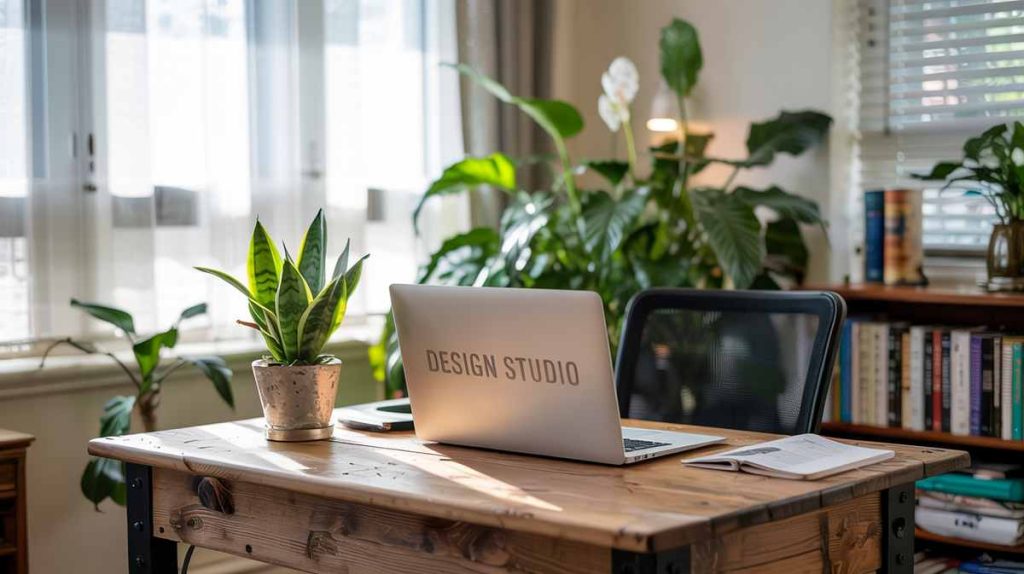
Biophilic design elements significantly impact mood, stress levels, and cognitive performance. Indoor plants like snake plants, pothos, or peace lilies not only purify air but also provide visual breaks that reduce mental fatigue during intensive work sessions.
Maximize natural light through sheer curtains or adjustable blinds that allow you to control brightness throughout the day. Natural light exposure improves energy levels and helps regulate circadian rhythms, contributing to better sleep quality and daytime alertness.
Incorporate natural materials such as reclaimed wood desk surfaces, stone accessories, or bamboo organizers. These textures create tactile interest while reinforcing your connection to nature. Consider adding a small water feature like a desktop fountain for gentle background sound that masks distracting noises while promoting relaxation.
Position living elements strategically—place larger plants in corners to soften hard angles, and use smaller succulents on shelves or windowsills to create visual interest without overwhelming the space.
Upgrade Lighting with a Layered Approach
Creating the Perfect Illumination Environment
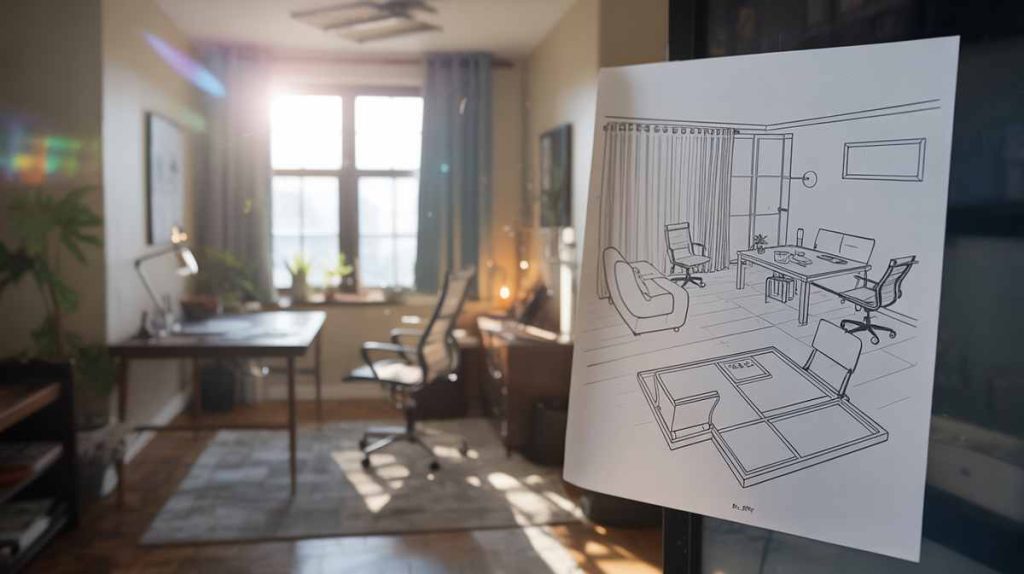
Replace basic overhead lighting with a sophisticated three-layer system that adapts to different tasks and times of day. Ambient lighting provides general illumination through dimmable ceiling fixtures or floor lamps, creating a comfortable baseline brightness level.
Task lighting focuses on specific work areas through adjustable desk lamps, under-cabinet strips, or pendant lights positioned to eliminate shadows on your keyboard and documents. Choose bulbs with color temperatures between 3500K and 4500K for optimal focus during work hours, and consider adjustable options that can shift warmer for evening tasks.
Accent lighting adds visual depth through wall sconces, LED strips behind monitors, or picture lights that highlight artwork. This layer prevents the stark contrast between bright work areas and dark surroundings that can cause eye strain.
Install smart lighting controls that allow you to save preferred settings for different activities—bright and cool for detailed work, warm and dim for video calls, or soft ambient lighting for end-of-day planning sessions.
Install smart lighting controls that allow you to save preferred settings for different activities—bright and cool for detailed work, warm and dim for video calls, or soft ambient lighting for end-of-day planning sessions.
Invest in Ergonomic and Aesthetic Furniture
Balancing Health, Comfort, and Style
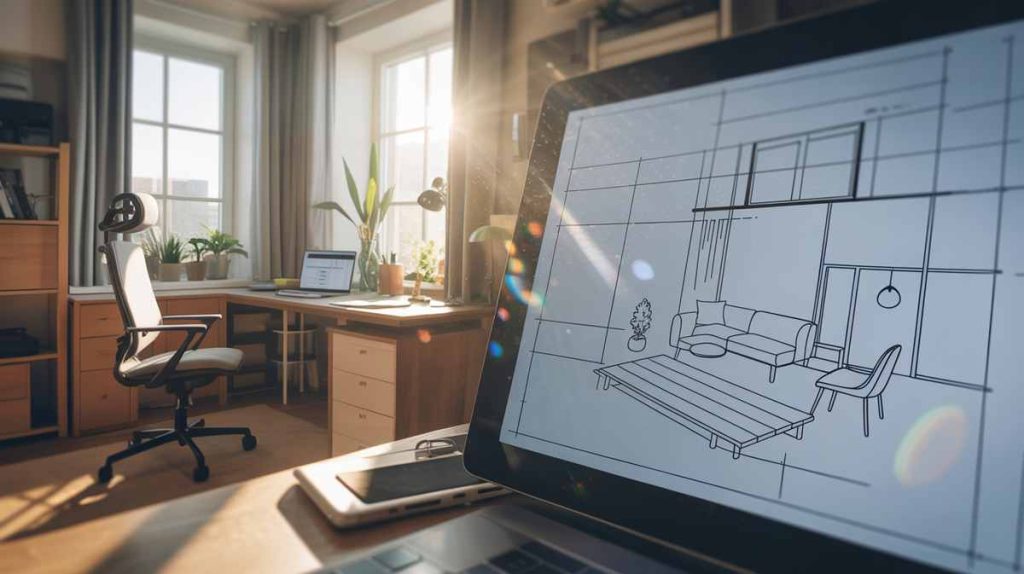
Your chair is your most important furniture investment, directly impacting your health and productivity over years of use. Look for models with adjustable lumbar support, armrests that accommodate your desk height, and seat depth that supports your leg length. Quality options from manufacturers like Herman Miller, including a Refurbished Herman Miller Chair, Steelcase, or more budget-friendly alternatives should provide customization for your specific body measurements.
Choose a desk with adequate surface area—at least 48 inches wide for most setups—and appropriate height for your seated and standing positions if you opt for an adjustable model. Standing desk converters offer flexibility without requiring a complete furniture replacement, allowing you to alternate positions throughout the day.
Select furniture with cohesive finishes that reflect your professional aesthetic. Warm walnut creates an inviting, traditional feel, while matte black or white finishes provide modern sophistication. Consistent materials and colors throughout the space create visual harmony that supports mental clarity.
Consider storage integration within furniture pieces—desks with built-in filing drawers, credenzas that house printers and supplies, or shelving units that combine display and organizational functions.
Curate a Personalized Color Palette
Using Color Psychology for Productivity
Refresh wall colors with a sophisticated scheme that supports your work style and mental state. Soft blues and greens promote calm focus and are particularly effective for analytical tasks, while warm grays provide neutral backgrounds that don’t compete with screen content or cause visual fatigue.
Apply the 60-30-10 color rule: use your dominant color for 60% of the space (typically walls), a secondary color for 30% (furniture and larger accessories), and an accent color for 10% (small decor items, artwork, or textiles). This proportion creates visual balance while allowing personality to emerge through carefully chosen accent pieces.
Test paint samples in your actual lighting conditions at different times of day, as colors can appear dramatically different under various light sources. Consider using an accent wall behind your desk to create a focal point, choosing a slightly deeper shade of your main color or a complementary hue that energizes without overwhelming.
Avoid high-contrast patterns or overly stimulating colors in your primary work area, reserving bold choices for accent pieces that can be easily changed as your preferences evolve.
Avoid high-contrast patterns or overly stimulating colors in your primary work area, reserving bold choices for accent pieces that can be easily changed as your preferences evolve.
Enhance Storage with Smart Solutions
Organizing for Efficiency and Visual Appeal
Replace cluttered, makeshift storage with purposeful systems that keep essential items accessible while maintaining clean sight lines. Built-in or modular storage solutions provide more sophisticated appearances than standalone bookcases or filing cabinets.
Utilize vertical space through wall-mounted shelves that don’t consume floor area, or install pegboard systems that can accommodate changing tool and supply needs. Cable management becomes part of your storage strategy—use under-desk trays, cable clips, and cord covers to eliminate visual chaos and safety hazards.
Incorporate multi-functional furniture that serves both storage and other purposes. Ottoman storage provides extra seating for guests while housing office supplies, and credenzas can support printers while concealing paper storage and technical equipment.
Organize stored items by frequency of use, keeping daily essentials within arm’s reach and seasonal or occasional items in less accessible locations. Label systems help maintain organization over time and make the space more functional for other family members who might need to locate items.
Creating a Connected, Clutter-Free Environment
Modern home offices require sophisticated technology integration that supports productivity without creating visual or physical clutter. Invest in comprehensive cable management systems that route power and data cables through desk grommets, under-desk trays, or wall-mounted channels.
Consider smart technology that anticipates and responds to your needs. Docking stations consolidate multiple device connections into single-cable solutions, while wireless charging surfaces built into desk accessories eliminate additional cords. High-quality webcams, lighting, and audio equipment ensure professional presentation during video conferences.
Position power outlets and USB charging points strategically throughout the space, possibly through furniture with integrated electrical components or added power strips with surge protection. Smart plugs allow you to control device power remotely and can contribute to energy efficiency.
Ensure your internet infrastructure supports your work demands through mesh networking systems or dedicated work-area access points that provide reliable connectivity without interference from household devices.
Add Textural Depth for Visual Interest
Creating Sophisticated Visual and Tactile Experiences
Layer different textures throughout your space to prevent the sterile feeling that can result from too many smooth, hard surfaces. A wool area rug underfoot provides comfort during long standing periods while adding acoustic absorption and visual warmth.
Mix materials thoughtfully—pair the smooth surface of a glass desk with a textured leather desk pad, or combine metal filing cabinets with fabric-covered acoustic panels. Natural linen curtains provide soft contrast to hard window frames while offering light control and privacy.
Incorporate textile elements through throw pillows on a reading chair, a cashmere throw draped over a side chair, or fabric-wrapped storage boxes that add visual interest to shelving displays. These elements can be easily changed seasonally or as your aesthetic preferences evolve.
Limit patterns to one or two subtle designs to avoid visual overwhelm. Geometric patterns can add structure and energy, while organic patterns like subtle leaf motifs connect to biophilic design principles without creating distraction.
Curate Meaningful Decor and Art
Personalizing Your Professional Environment
Replace generic office decor with carefully chosen pieces that reflect your personality and inspire your work. Framed artwork should be appropriately scaled for wall space—a single large piece often creates more impact than multiple small items that can appear cluttered.
Create a vision board or inspiration wall that motivates your goals while maintaining professional appearance. Use cohesive framing in consistent finishes to unify disparate images or documents. Family photos can personalize the space while remaining appropriately professional if chosen and displayed thoughtfully.
Add statement pieces that anchor the space and reflect your interests or achievements—a sculptural bookend, an award or recognition, or a collection displayed with intention rather than random accumulation. These items serve as conversation starters during video calls and remind you of your accomplishments during challenging work periods.
Maintain surface discipline by limiting desk accessories to two or three functional and beautiful items. A high-quality pen holder, a small plant, and perhaps a meaningful paperweight create personality without compromising workspace functionality.
Improve Acoustics for Focus and Privacy
Managing Sound for Optimal Concentration
Address acoustic challenges that can undermine productivity and professional presentation. Thick area rugs, upholstered furniture, and textile wall hangings absorb sound reflections that can cause echo and make spaces feel harsh or uncomfortable.
Install acoustic panels or fabric-wrapped boards in strategic locations to reduce noise transmission and improve sound quality for video calls. These elements can be aesthetically integrated through coordinated colors and textures rather than appearing as obvious sound treatment.
Consider ambient sound management through white noise machines, desktop sound diffusers, or background music systems that mask intermittent household noises without creating distraction. Test these solutions during actual work tasks to ensure they enhance rather than hinder concentration.
Position your workspace to minimize exposure to high-traffic household areas, and communicate with family members about noise-sensitive work periods. Physical barriers like bookcases or room dividers can provide both acoustic and visual separation from shared living spaces.
What to Expect During Your Home Office Transformation?
Timeline and Process Considerations
Expect your office transformation to evolve over several weeks or months as you identify what works best for your specific needs and work style. Begin with foundational elements like furniture and lighting, then add decorative and technological enhancements as you understand how you use the space.
Budget for quality pieces that will support years of use rather than purchasing everything immediately. A high-quality chair and desk provide immediate comfort and productivity benefits, while decorative elements can be added gradually as your budget allows.
Prepare for an adjustment period as you adapt to new furniture configurations, lighting levels, and organizational systems. Track how changes affect your energy levels, focus, and comfort throughout different times of day and types of work tasks.
Estimated Investment and Timeline
Resource Planning for Your Project
Basic furniture upgrades typically range from $1,500 to $5,000 depending on quality level and space size, with ergonomic chairs and adjustable desks representing the largest individual investments. Lighting improvements can range from $200 to $1,000 depending on the complexity of your layered system and smart technology integration.
Decorative elements, storage solutions, and acoustic treatments generally cost $500 to $2,000 total, but can be spread over time as you identify specific needs and preferences. Technology integration varies widely based on existing equipment and desired features, potentially ranging from $300 to $3,000.
Timeline expectations typically involve 1-2 weeks for furniture delivery and initial setup, followed by 2-4 weeks of gradual refinement as you optimize layouts, lighting settings, and organizational systems based on actual use patterns.
Q: How do I maintain a professional appearance during video calls with a home office setup?
A: Position your camera at eye level with a neutral or attractive background, ensure even facial lighting through proper desk lamp placement, and test audio quality with noise-canceling software or a quality microphone to minimize household sound interference.
Q: What’s the most important single upgrade for improving productivity in an existing home office?
A: An ergonomic chair that supports your specific body measurements and work habits typically provides the most immediate and sustained productivity improvement, as physical comfort directly impacts focus and reduces fatigue-related distraction.
Q: How can I create separation between work and personal life in a shared space?
A: Use visual and acoustic barriers like folding screens or bookcases, establish consistent lighting changes to signal work time transitions, and develop shutdown rituals that physically reorganize or cover work materials at the end of each day.
Q: Is it worth investing in smart home technology for a home office?
A: Smart lighting, climate control, and audio systems provide convenience and can improve focus through automated environmental optimization, but prioritize foundational furniture and lighting upgrades before adding technological complexity.
Q: How do I know if my home office setup is actually improving my productivity?
A: Track measurable factors like task completion time, energy levels throughout the day, physical comfort during and after work, and overall work satisfaction over several weeks after implementing changes.
Additional Tips for Long-term Success
Maintaining and Evolving Your Professional Workspace
Schedule quarterly reviews of your office setup to assess what’s working well and what might need adjustment as your work demands or physical needs change. Pay attention to seasonal lighting changes that might require different artificial lighting strategies or furniture positioning.
Invest in quality organizational systems from the beginning rather than cobbling together temporary solutions that become permanent frustrations. Label makers, matching storage containers, and consistent filing systems save time and reduce stress over years of use.
Consider the long-term durability and repairability of furniture and technology investments. Quality pieces that can be refurbished or updated tend to provide better value than trendy items that must be completely replaced as styles or needs change.
Create backup plans for technology failures, power outages, or other disruptions that could affect your work capacity. Battery backups, mobile hotspot capabilities, and alternative workspace configurations ensure business continuity.
Conclusion
Designing a professional home office requires balancing aesthetic appeal with functional efficiency, personal comfort with professional image, and immediate needs with long-term adaptability. By following these systematic steps and thinking strategically about how each element supports your specific work style and goals, you can create a workspace that enhances both productivity and job satisfaction. Remember that the best home office evolves with your needs, so remain open to adjustments and improvements as you discover what works best for your unique situation and professional demands.
If you need assistance with specific ergonomic assessments, lighting design, or acoustic consulting, consider working with interior design professionals who specialize in residential workspaces.